The Playbook
How The Members League works.
A guided walkthrough of The Members League — written for the two people who make club play work: the member who plays, and the club manager who sets it up and runs it. Each part stands on its own.
For your members
Everything a member needs, from first login to posting a result. It's built to be obvious — most people never read this and get on fine. Here's the whole picture anyway.
Getting in
Three ways to join
Self-register at your club's Members League site, join from a link or QR code your club shares, or — for leagues open to anyone — browse and join right from the app once you're in. All three land in the same place.
Logging in with your phone (OTP / SMS)
Enter your mobile number, get a one-time code by text, type it in, and you're in. There are no passwords — your verified phone is your identity. Members the club pre-added link automatically on first login.
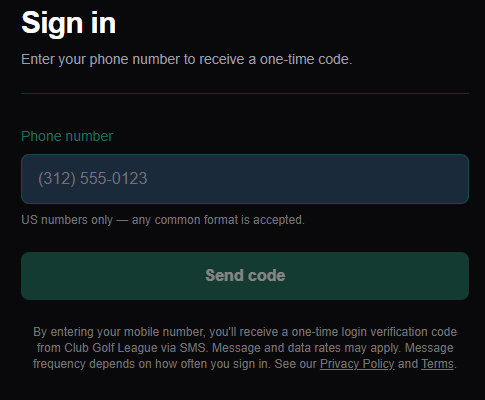
Your one-time consent choice
On the way in, you choose once: opt in to reminders and announcements by text, or choose "No thanks." Either way you can use everything. Login codes are always sent regardless, because they're security, not marketing.
Your profile
Your profile holds your name, contact, and photo; a handicap or rating only where an activity uses one; what you're interested in playing, so the system can point you at the right leagues and casual matches; your notification switches for text and email; and a running history of the leagues and tournaments you've been part of.
Playing
Home — your activities at a glance
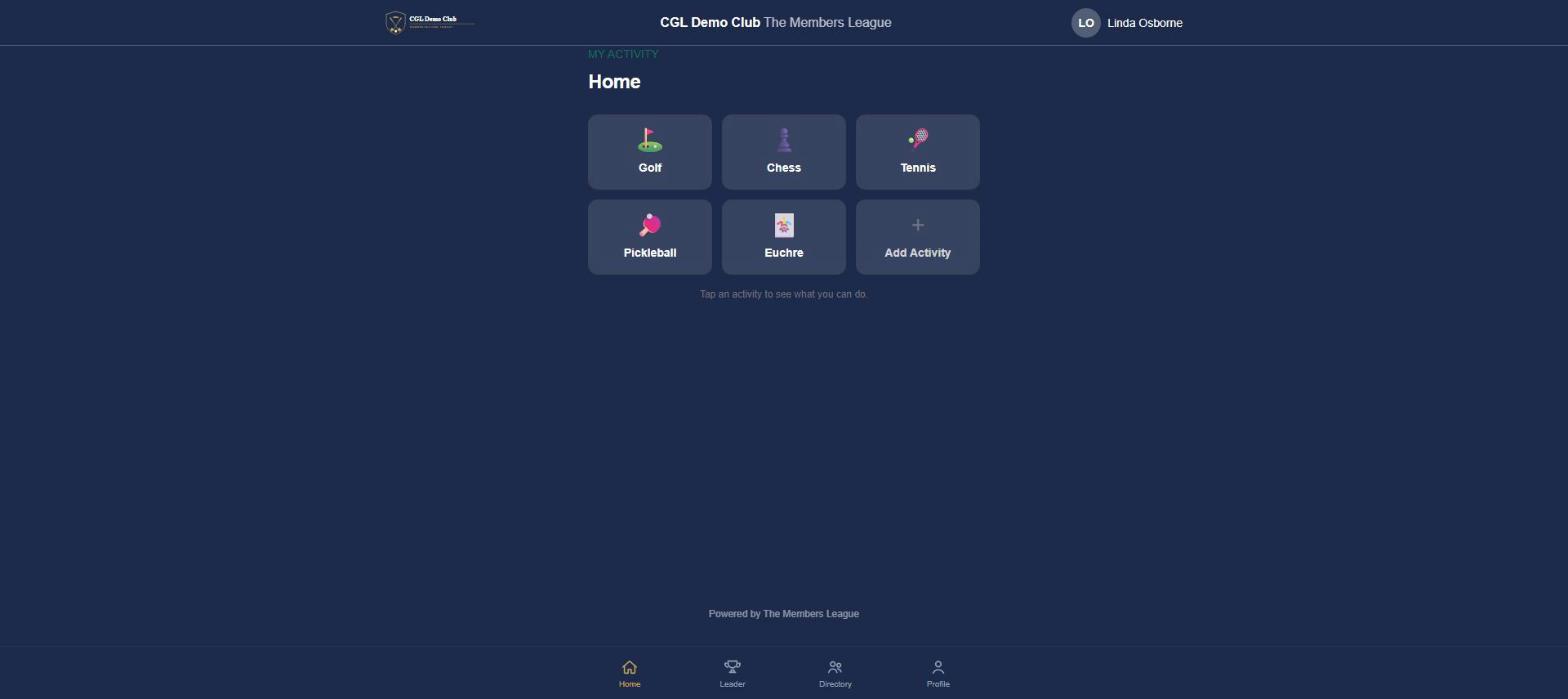
Each activity you're into gets its own tile — golf, tennis, pickleball, chess, whatever your club runs — and tapping one opens what you can do next: find a match, submit a result, join a league, or enter a tournament. Add an activity any time you want to get into something new.
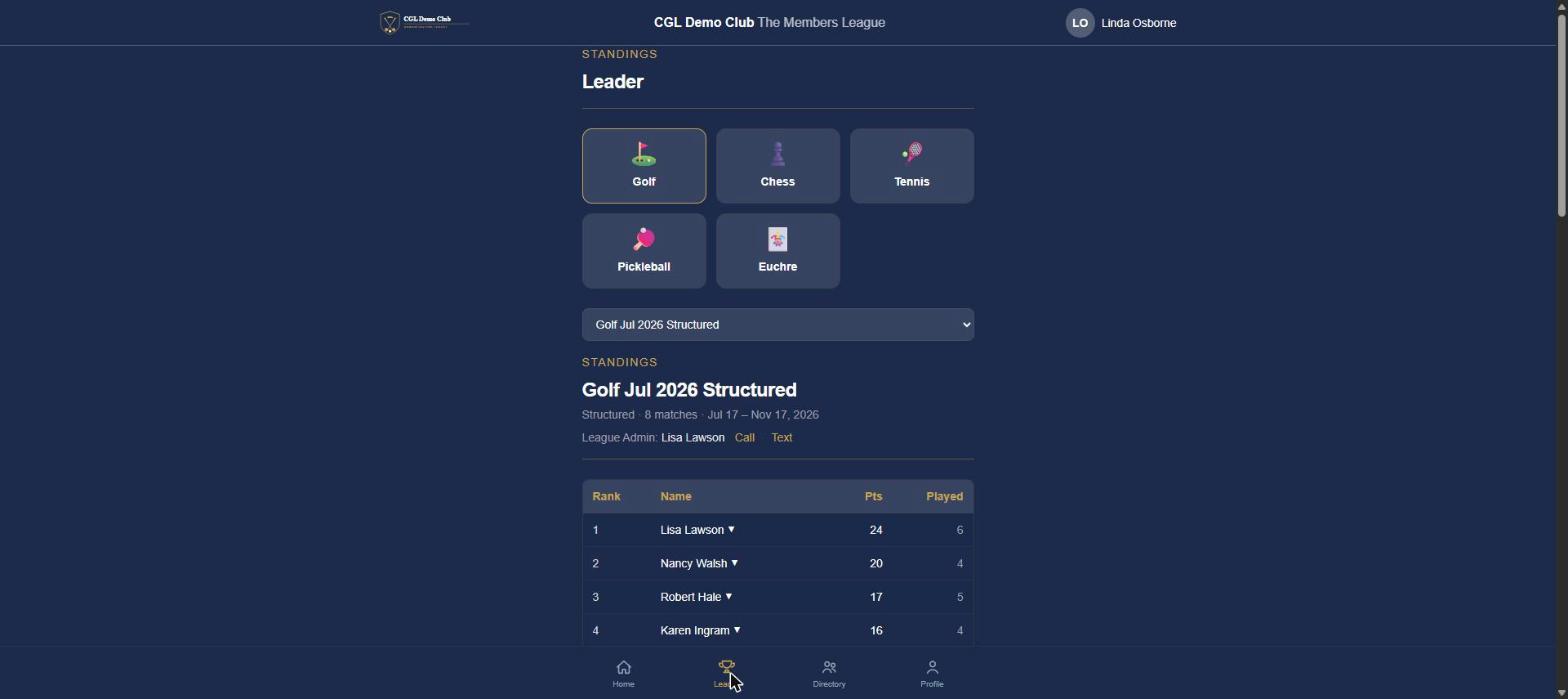
The Leader tab — standings
Live standings for every league at your club, not just the ones you're in — so you can see how a league runs before you join it. Pick an activity, then a league, to see the full table, who's leading, and who to contact (the League Admin's name and a direct call or text link) if you have a question.
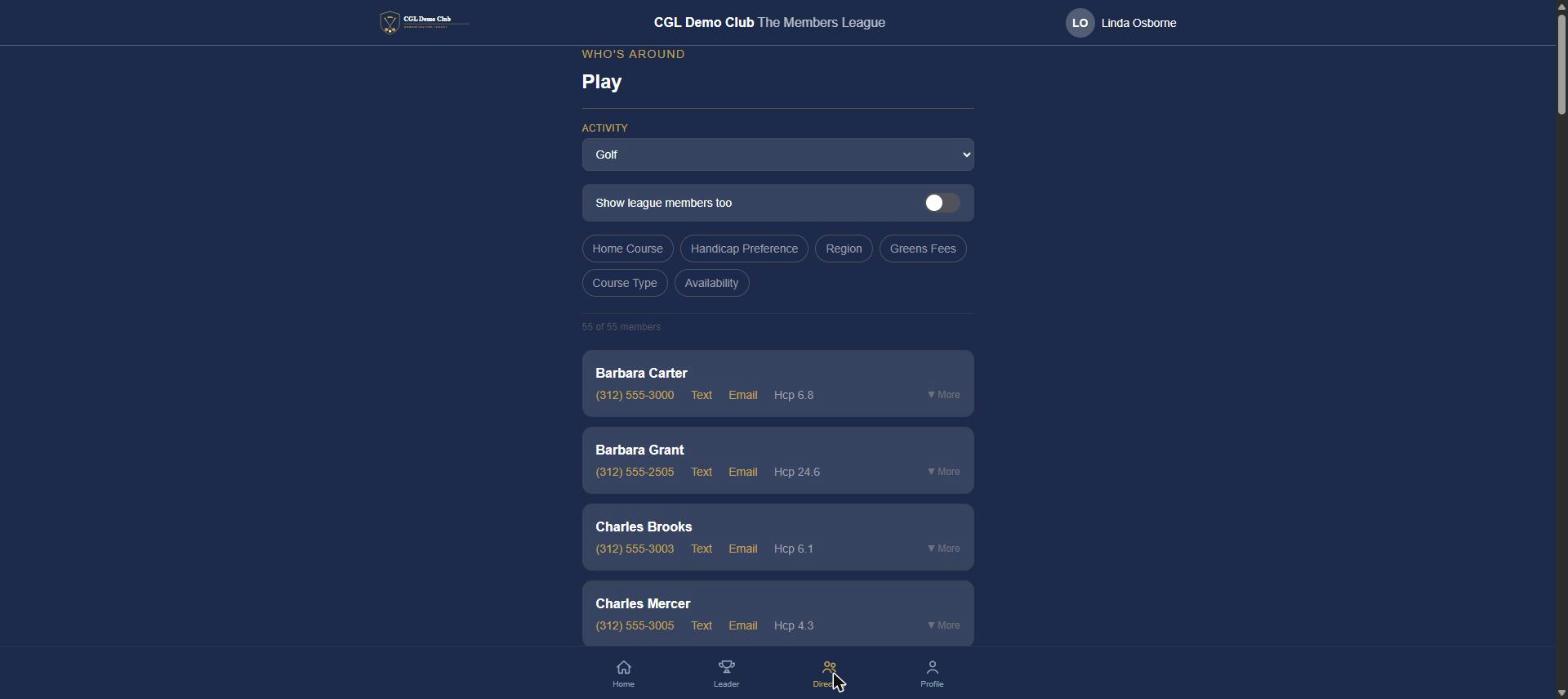
The Directory tab — find someone to play
Every club sets its own filters for its own activities — things like availability, skill or handicap, location, or whatever else helps you find a good match. Search across every answer, and flip on "Show league members too" if you want the widest possible pool. Find someone, reach out, and set up a match on your own schedule.
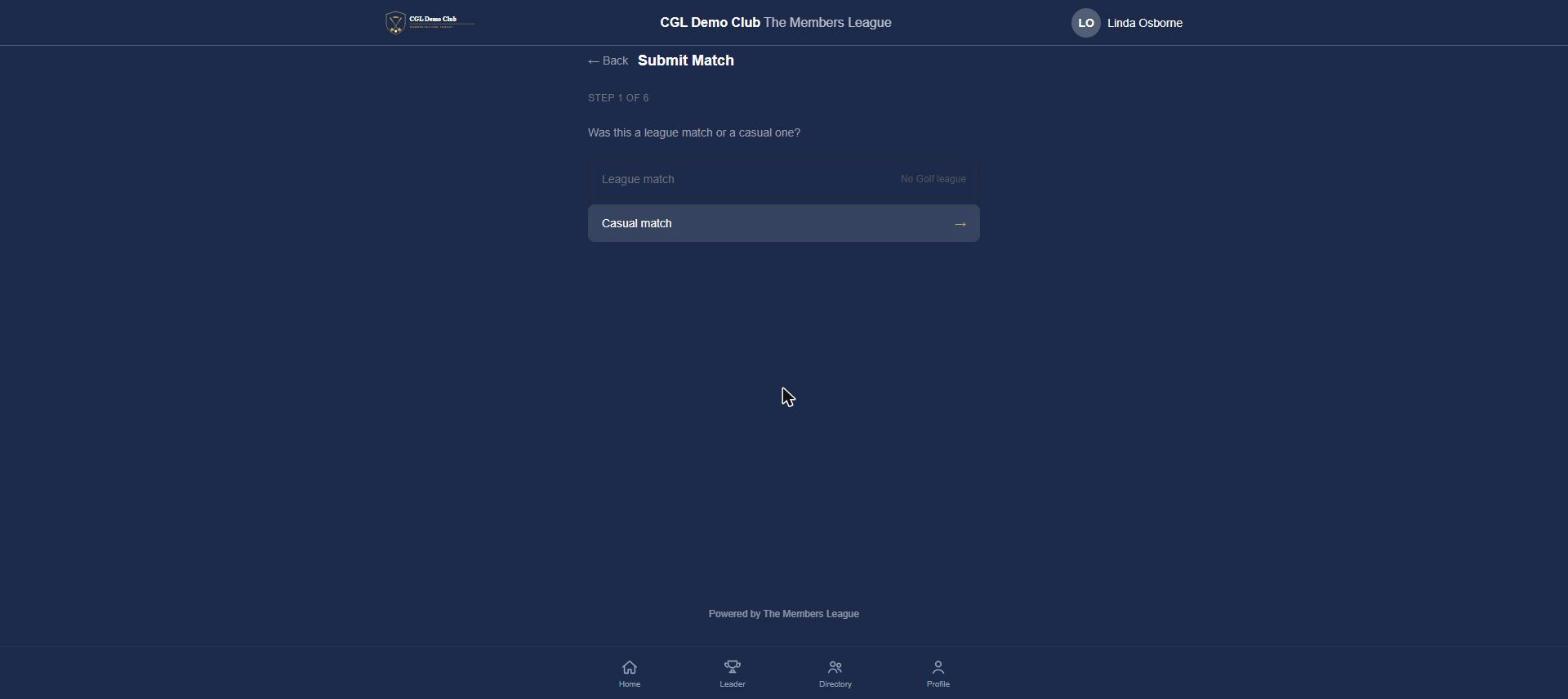
Recording a result
First, say whether it's a league match or a casual one — casual matches don't require being in a league for that activity, so you can post a result the moment you find someone to play, league or not. Then pick your opponent and the game type, enter the result, add any details or a photo, and see exactly how it moves the standings before you submit.
Tournaments
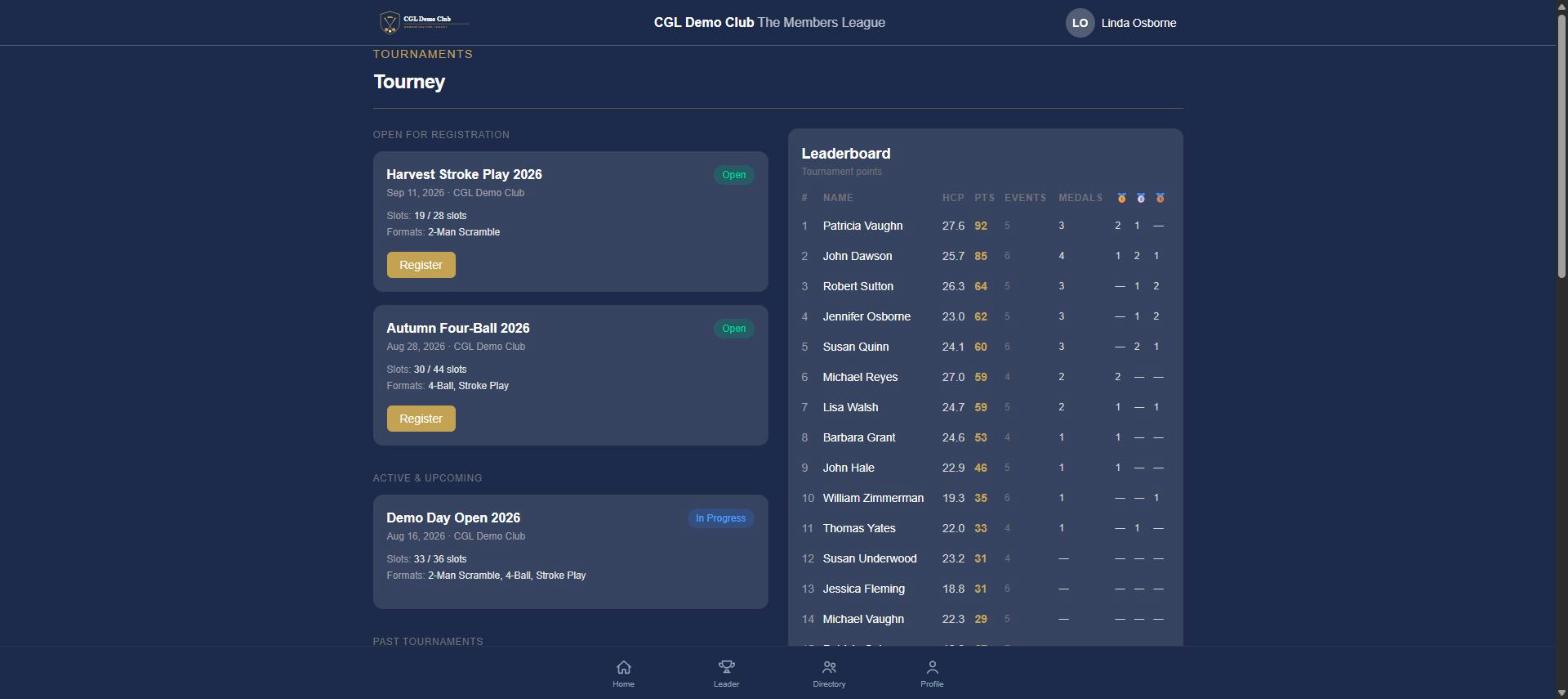
See what's open for registration, what's active or upcoming, and your club's tournament history, each with slot counts and the format — scramble, best-ball, stroke play, whatever your club runs. Register or join the waitlist, follow the season leaderboard as it tracks points, events played, and podium finishes across every tournament, and check event details as it plays out.
What you'll be notified about
Two things: a result posted in one of your matches, and club or league announcements. Nothing else pings you.
For club managers
The full operating picture — from standing up your club's program to running leagues and tournaments, and the trust model underneath it all.
Getting in as an admin
The three roles
- Club Admin — runs the club's program end to end; the GM, membership or activities director, or head golf pro.
- League Admin — runs a single league, often a member or a staffer who volunteers.
- Tournament Director — runs a club tournament.
All admins are also players — the admin console and the member app are the same account.
Your first login
Your club creates your admin account; you activate it just like members do, with your phone plus a texted code. The same one-time consent choice applies to you.
Where you land, and moving around
A Club Admin lands on the admin dashboard; a League Admin on their league (or a chooser if they run more than one); a Tournament Director on their tournament (or a chooser). "View as Member" switches you into the member app, and your avatar menu — Profile, Help, and Admin if you have rights — gets you back.
Setting up your club (Club Admin)
Club branding
Send us your logo, mark, and brand colors and we'll set them up for you — applied across your branded space at yourclub.themembersleague.com, so the program feels like yours from the first screen. It's part of onboarding, not something you configure yourself.
Members
View the roster; grant or remove roles; deactivate members who leave; and search across everyone by name, phone, or email. Adding or pre-loading members happens from within a league's Registrations tab, not the roster page.
Delegating
Assign a League Admin to a league to empower a member or staffer to run it, and assign a Tournament Director to a tournament. You keep oversight without having to run every day yourself.
Running a league (Club Admin / League Admin)
Create the league
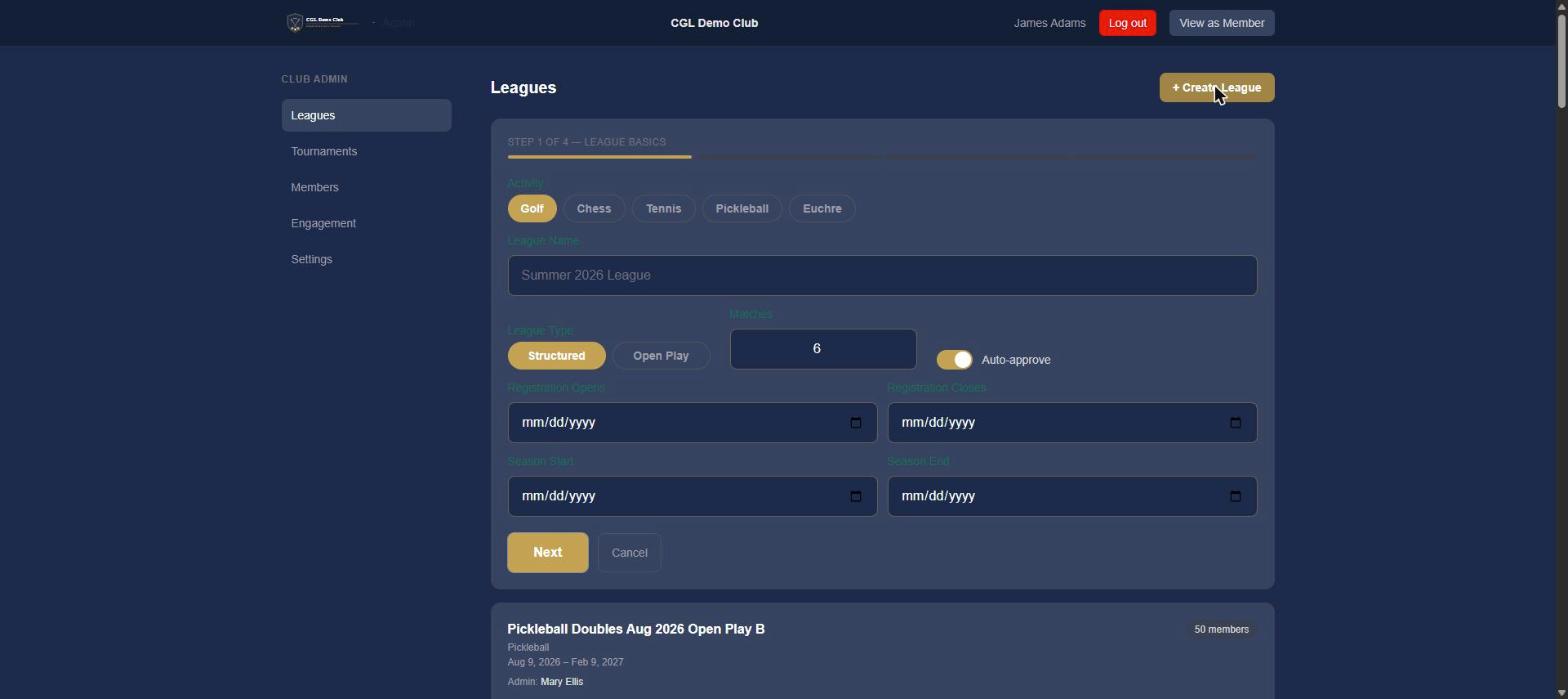
A short wizard walks you through it: pick the activity (fixed once the league is created); name the league and choose Structured or Open Play; set the maximum matches per member and whether registrations auto-approve; and set season and registration dates.
Registration questions
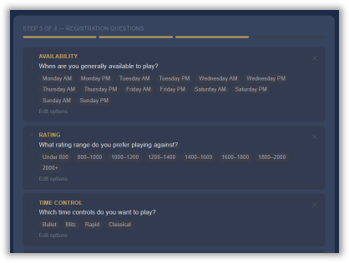
A question builder with sensible defaults per activity. Mark each question required or optional — a forced answer can exclude a member from matches they'd otherwise have accepted. Filter questions power the member directory (availability, handicap, area), and answers carry forward from a member's most recent same-activity league.
The join link & QR code
Share it by email, post it in the clubhouse, or print it — the same link and QR code get members straight into the league.
Approving players
Approve, reject, or waitlist registrations, and handle late registration and the waitlist as the season fills.
The match schedule (structured leagues)
Generate the schedule, review the pairings, swap a pairing if you need to, and approve it.
Standings
Live from submitted results, with every member listed — including those who haven't played yet, parked at the bottom until their first match.
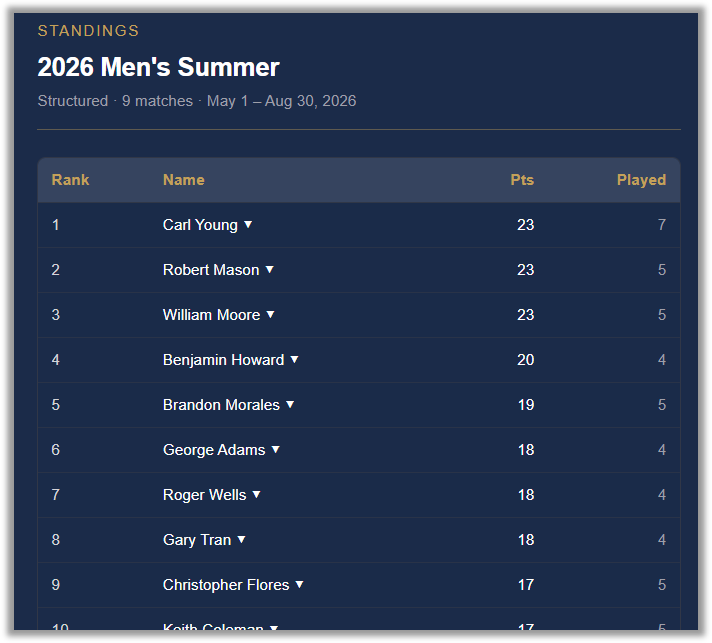
Results
View results and their detail; edit a result with a required note and an audit trail that preserves the original; and post a match on behalf of two members when needed.
Communications
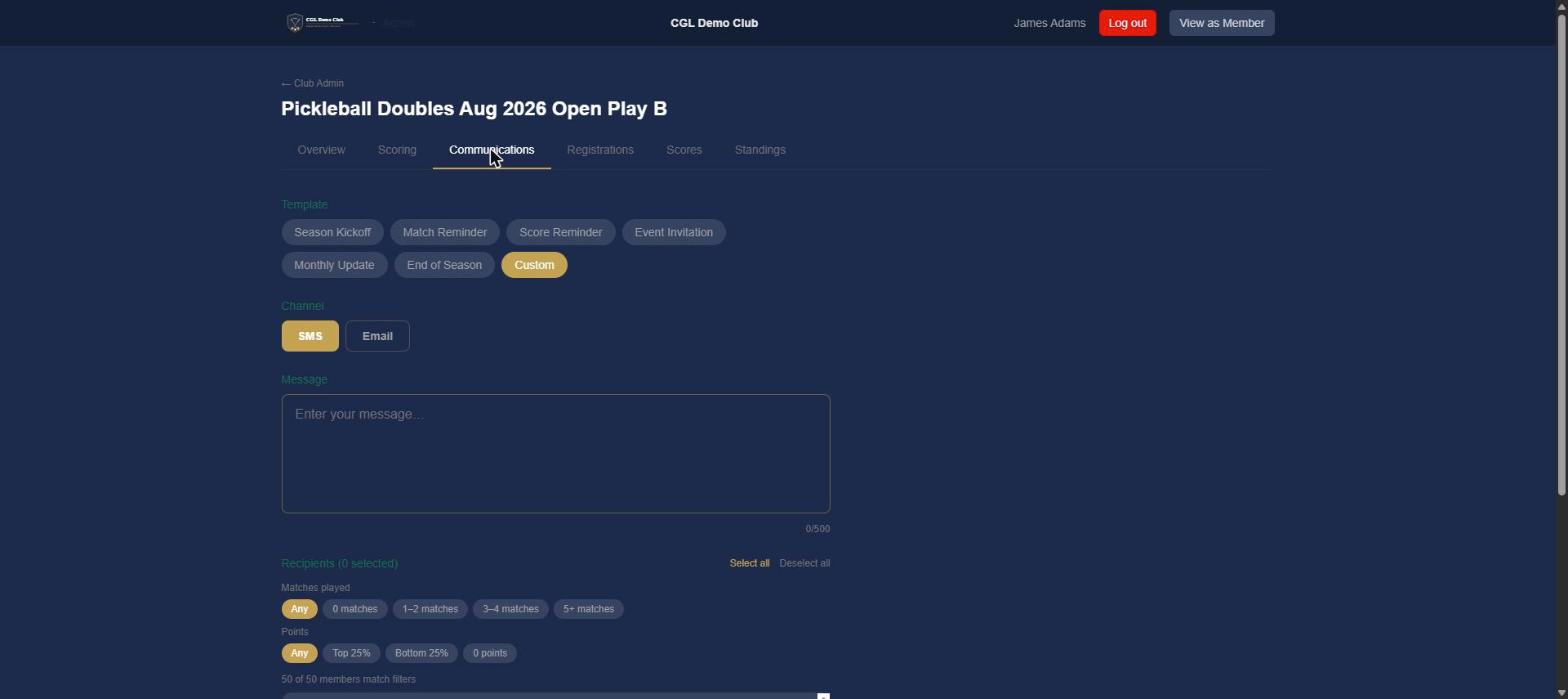
Send an announcement by text or by email — pick one channel per send — using one of several templates (season kickoff, match reminder, score reminder, event invitation, monthly update, end of season) or write your own. Filter recipients by participation or points, and see exactly who matches before you send.
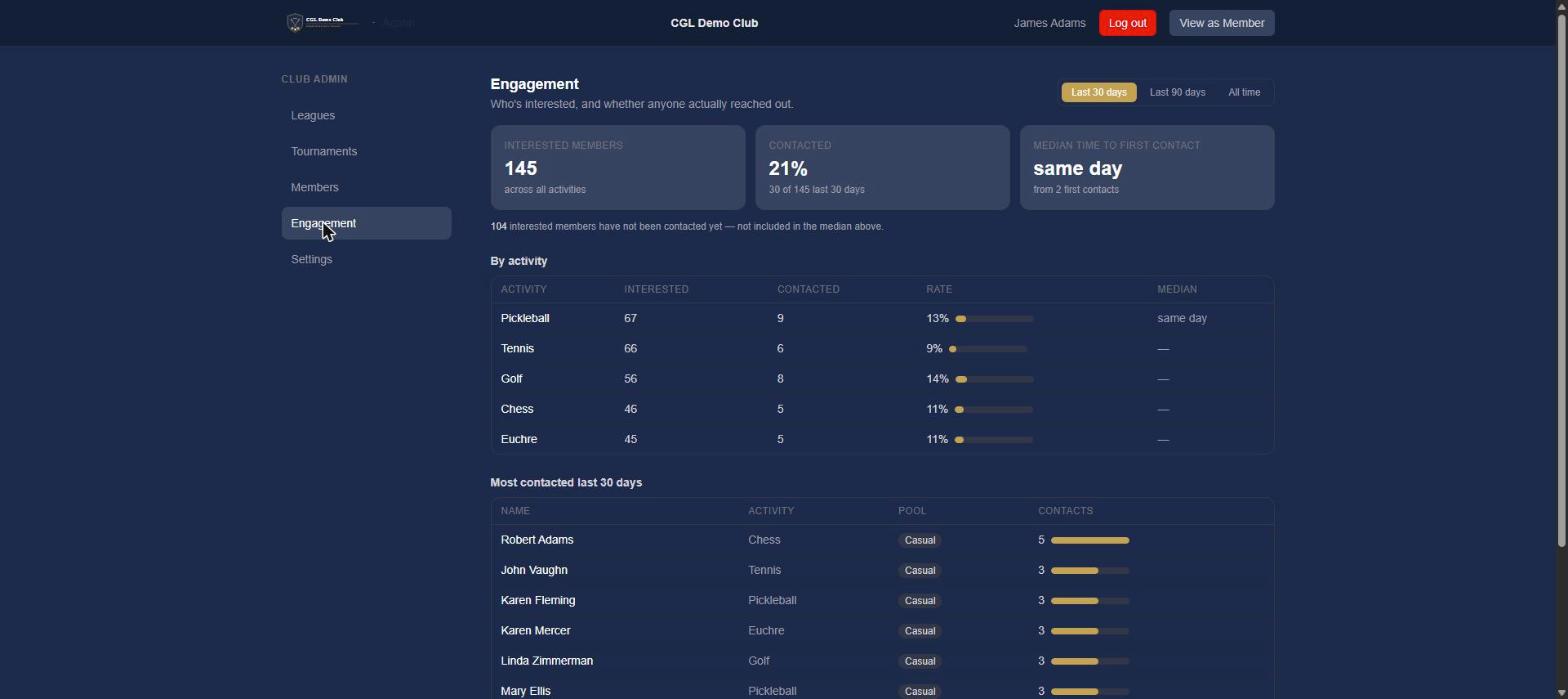
Engagement (Club Admin)
Track how members are actually connecting: who's expressed interest in each activity, what share of them have been contacted, median time to first contact, and who's been reached most in the last 30 days — broken out by activity, with casual and league interest distinguished, and 30-day, 90-day, and all-time views.
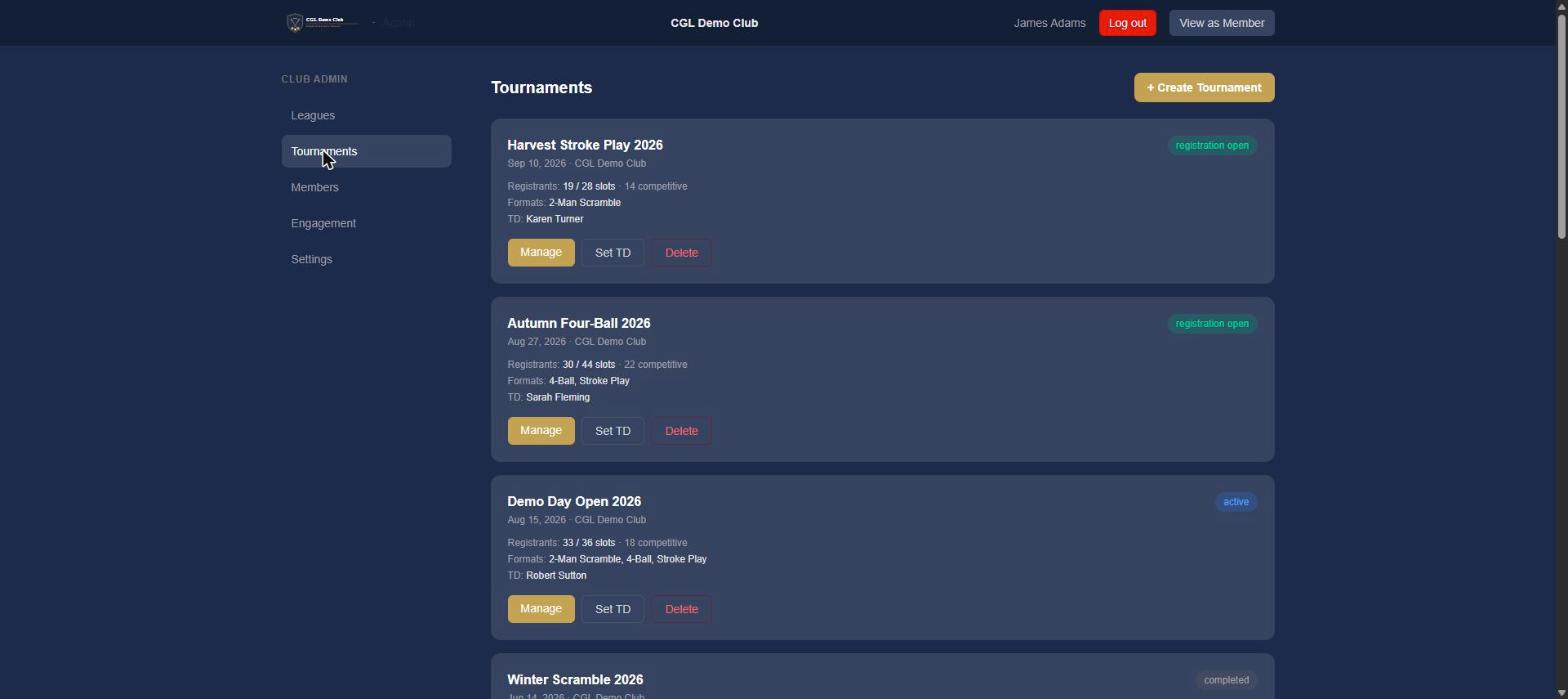
Running a tournament (Club Admin / Tournament Director)
Create the tournament, then add, approve, or waitlist registrants. For 2-person formats, teams and pairings are auto-balanced — with a handicap-completeness check, an odd-count sit-out, and partner swapping when you need it. Enter results into the leaderboard, send tournament communications, and track a season leaderboard where points never reset, participation counts, and team results split per player.
Trust — notifications, consent & privacy (for admins)
- What the system sends automatically — match-posted notifications to the members involved.
- Member privacy and consent — text is strictly opt-in, email honors unsubscribe, and you see who was actually reached, not who you targeted.
- Reaching everyone — email is the universal floor; text is the opt-in bonus that grows as more members join.
- Enterprise-grade foundations — the security and identity underneath are built by a firm that does this for a living.